 EDITING1:30
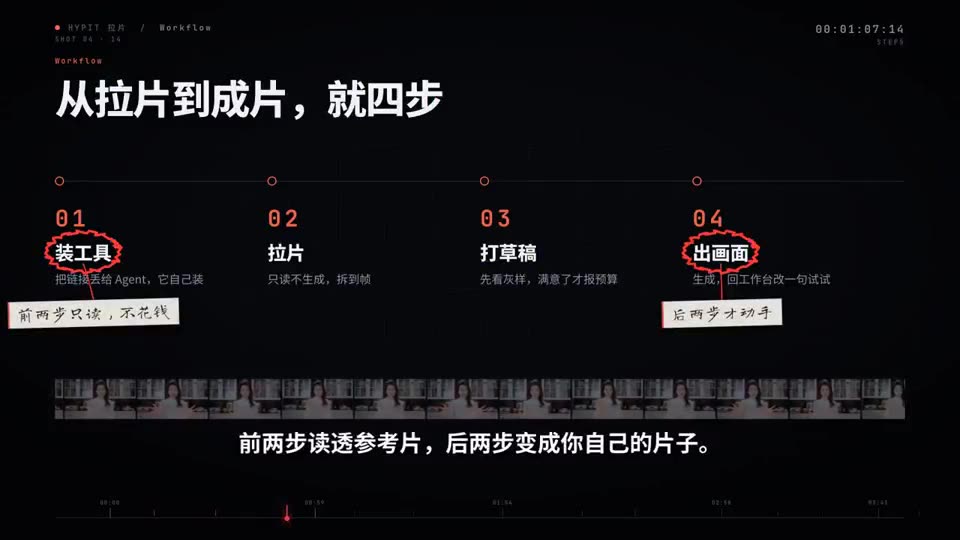
Clone the edit of a viral video with Hypit
A walkthrough of Hypit copying the structure of a popular short so you can remake it with your own content.
Hypit broke down the original edit and rebuilt it with a 3D model, with no video-generation model involved.
Video: @JGuli49724 on X, shown with credit. Press play; sound is on unless you mute it.
A reference for what Hypit can make. The creator links the repo in the post itself. We checked the link: github.com/hypit-ai/hypit.
The video belongs to its creator and is shown with credit. Want it removed or credited differently? Tell us.
EDITING1:30A walkthrough of Hypit copying the structure of a popular short so you can remake it with your own content.
 EDITING0:24
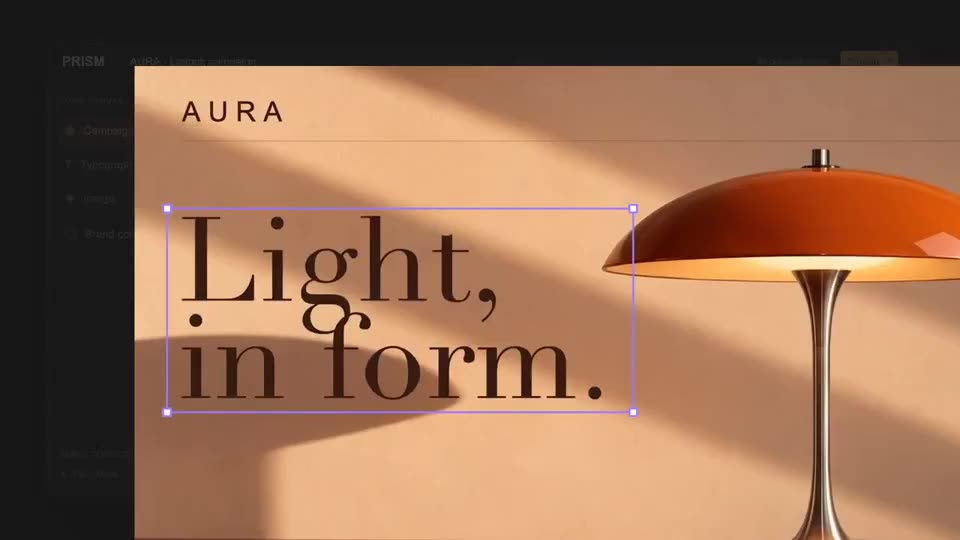
Example output showing Hypit copying an edit and also making its own motion and effects.
 EDITING0:29
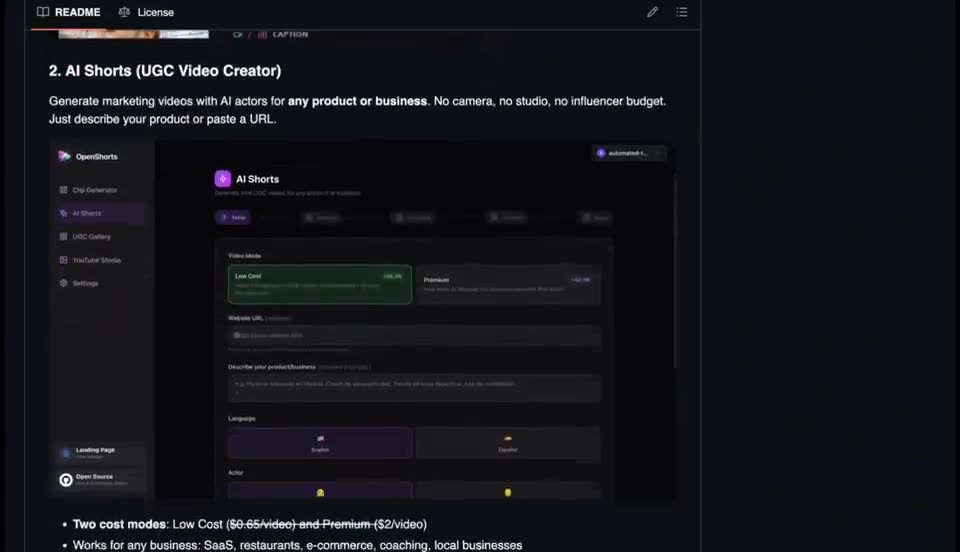
Paste a product link and OpenShorts handles script, voice, B-roll, subtitles and vertical clips, running locally.
 EDITING1:22
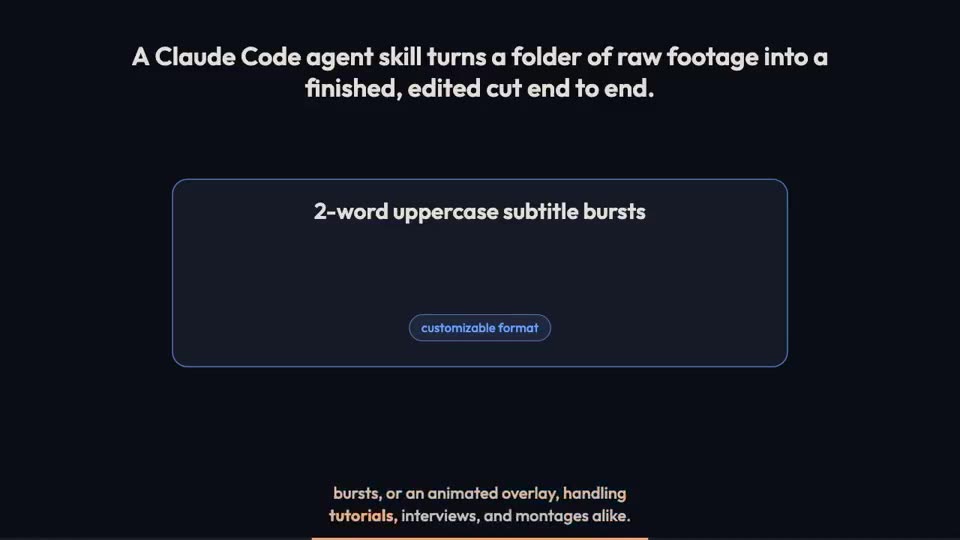
The skill transcribes footage, cuts filler and dead air, and adds tiny audio fades at each cut so edits do not click.
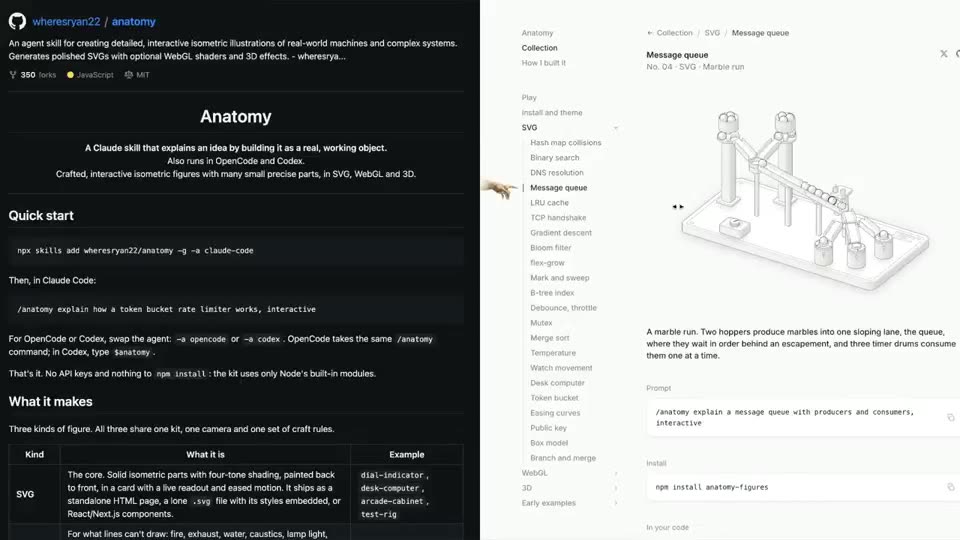 EXPLAINER0:16
The anatomy skill draws interactive isometric SVG illustrations that explain any concept, with 3D effects.
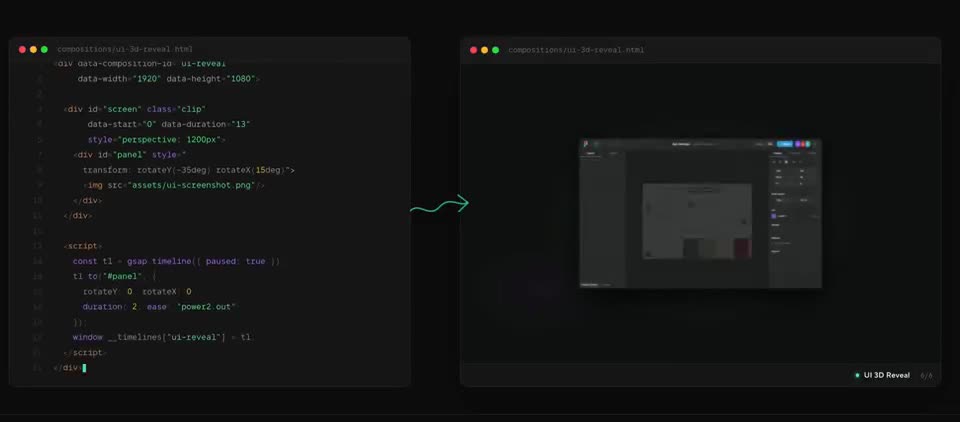 MOTION0:18
A short tour of what HyperFrames renders, plus its built-in editor. Works in Claude Code, Cursor, Codex and Gemini.